
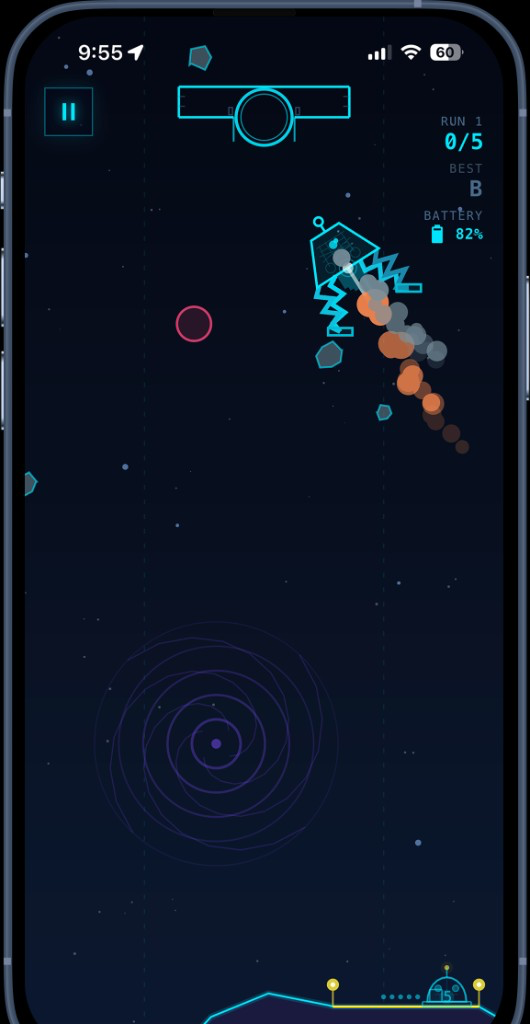
I playtested Lunar Rescue the same way anyone else will: phone in hand, portrait, thumbs on thrusters. The laptop was for commits. The device was for whether the lander felt right.
The PR loop
GitHub Actions runs Expo’s preview action on every pull request. It installs deps, verifies the iOS and Android bundles, then publishes an eas update on the development channel. The PR gets a QR code. My phone gets a ntfy ping that says the preview is ready.
I stopped caring about the simulator after the first week. Thruster zones, battery panic, hazard readability — none of that shows up on a MacBook screen the way it does when you’re actually flying.
Agents still had to pass the phone test
A few fixes came in as cursor/* branches: landing-pad behavior, grade overlay centering, side-thruster naming. Same preview path. An agent could open the change; I still had to land the ship before merge.
Expo Updates helped a lot here. The development client stayed on the phone. We weren’t waiting on full native rebuilds for every tweak — just JS and content. Green check, scan QR, fly. Usually under a minute.
If you’re building a physics game in Expo, treat the phone as CI for feel. Screenshots lie. Soft landings don’t.